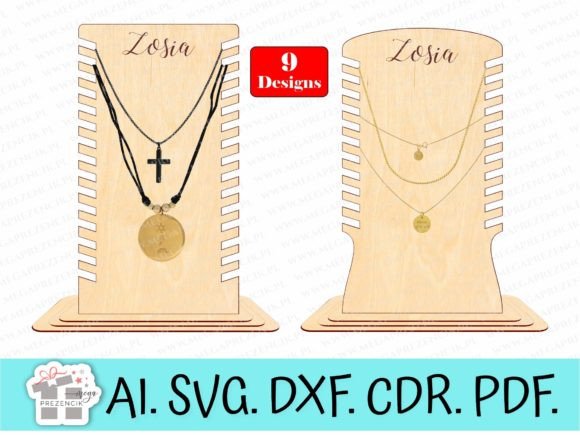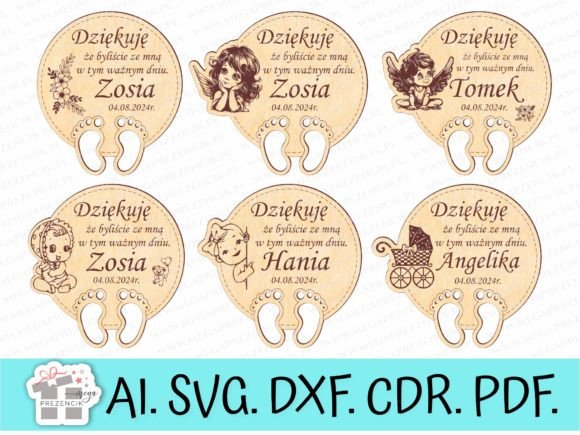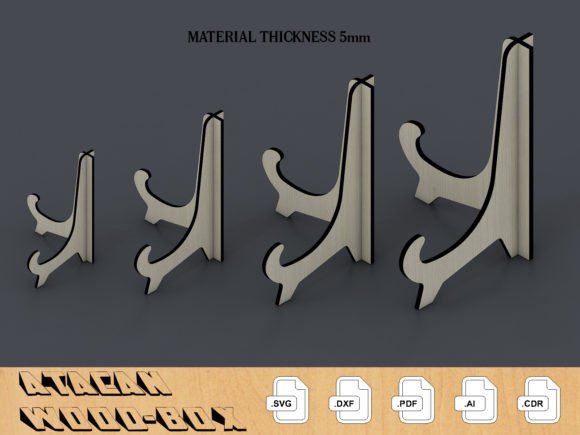
Elegant Photo Holder Display Easel Laser Cut SVG
There is a special kind of satisfaction in transforming a digital file into a tangible, functional object, especially one that beautifully showcases your most cherished memories. A precisely crafted Photo Holder Display Easel Laser Cut SVG offers exactly this bridge between the digital workshop and your home or event decor. This versatile design asset is more than just a template; it's a key to creating personalized, professional-grade displays that add a touch of sophistication to any photograph or card.
Designed for seamless integration with modern making tools, this file set is optimized for use with popular laser systems. Whether you operate a Glowforge, use Lightburn software, or work with another CO2 or diode laser cutter, the vector formats ensure clean, accurate cuts every time. The included SVG, DXF, PDF, AI, and CDR files provide maximum flexibility, making them ideal not only for laser cutting but also for paper crafting with machines like Cricut, Silhouette, and Brother ScanNCut.
Practical Applications for Creative Projects
The utility of a well-designed display easel extends far beyond simple photo holding. Consider these practical use cases where this asset truly shines:
- Personalized Gifts & Home Decor: Create custom easels for wedding photos, family portraits, or children's artwork, adding a handmade, premium feel that store-bought frames often lack.
- Event Table Decor: Perfect for holding table numbers, menu cards, or place settings at weddings, anniversaries, and dinner parties. The laser-cut detail adds an elegant, crafted element to your event's aesthetic.
- Retail & Craft Fair Displays: Showcase product samples, price cards, or artwork in a professional and eye-catching manner. A cohesive set of easels can unify your brand presentation at a market stall.
- Scrapbooking & Paper Crafts: Use the file to cut easel stands from decorative cardstock, integrating them into 3D scrapbook layouts or as standalone card holders.
The true value lies in the design flexibility. You are not locked into a single material or size. Resize the vector file to create miniature easels for place cards or scale it up for substantial poster stands. Experiment with different materials like acrylic, wood, MDF, or even heavyweight paper to achieve the exact look and durability your project requires.
Tips for Choosing and Using Your Design Assets
Selecting the right file is the first step toward a successful project. Here’s how to ensure this laser cut SVG meets your needs:
- Verify Compatibility: While tested on Glowforge Pro and Lightburn, always confirm the file formats (SVG, DXF, etc.) are compatible with your specific machine and software before purchasing or downloading.
- Plan Your Material: Consider the thickness and type of material you'll use. The file's design should be suitable for your material's kerf (the width of the laser cut) and structural integrity.
- Focus on Finishing: Think about post-processing. Will you paint, stain, or assemble the pieces with glue? A simple, clean design allows for endless customization in the finishing stage.
- Test with Scraps: Always perform a small test cut on a scrap piece of your chosen material to fine-tune your laser's speed, power, and focus settings for the perfect result.
Ultimately, a high-quality vector file like this is a foundational design asset. It saves you hours of drafting time, provides a reliable blueprint for creation, and empowers you to produce items with a consistent, professional presentation